Every organization has a board somewhere with hooks and keys hanging off it, and a notebook beside it. That system works beautifully until the day a key goes missing, at which point it turns out nobody knows who took it, when, or why.
An electronic key management system solves exactly that. This guide explains what it actually does, how it differs from a cabinet that merely locks, and how to choose one.
A locked cabinet is not a management system
A locked key cabinet protects keys from anyone without access to the cabinet. It has no idea what is inside it. If ten people know the cabinet code, you are back where you started, just with a door.
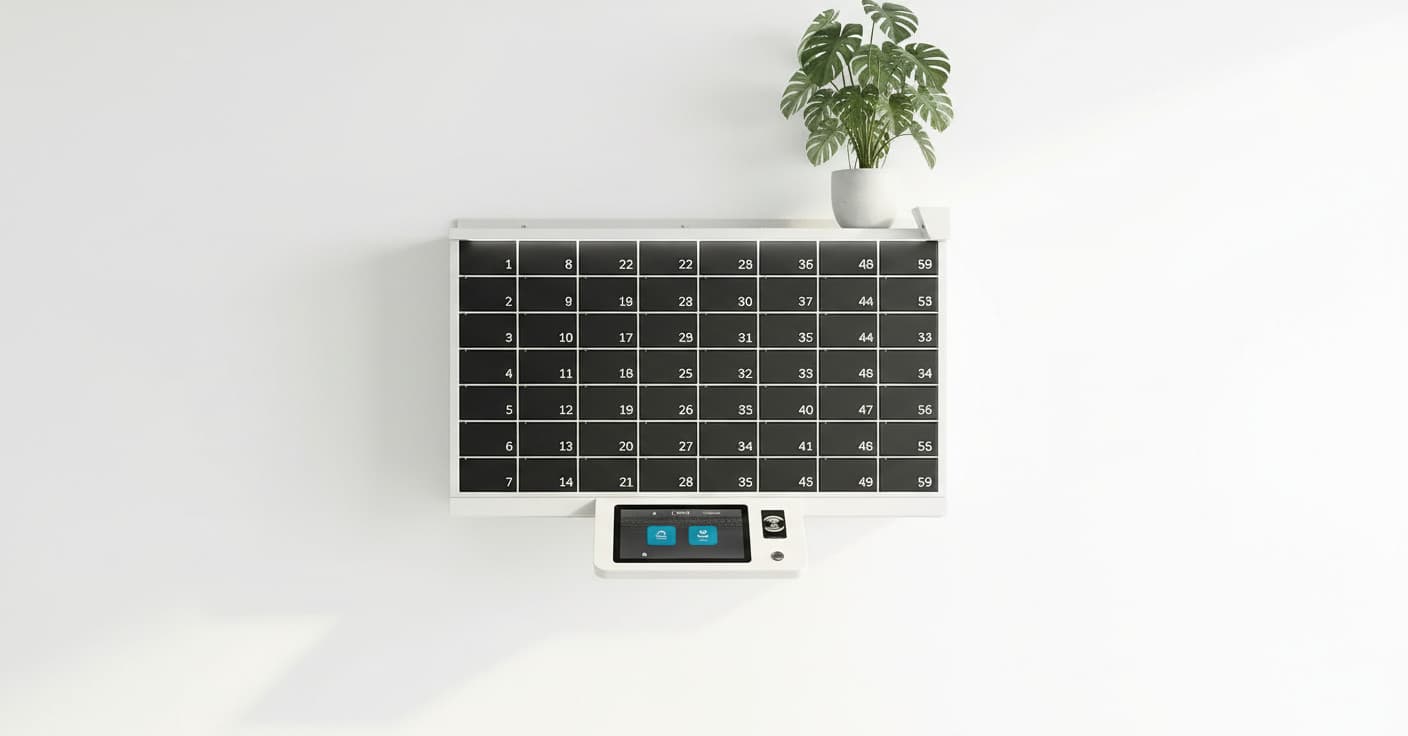
A key management system identifies each key individually, usually through an RFID tag attached to it in a dedicated fob. The cabinet knows which key hangs in which position, and who is permitted to touch it.
The practical difference is that the question who has the key to storeroom B moves from a round of phone calls to a query on a screen.
What a clean withdrawal looks like
The employee approaches the terminal and identifies themselves with an employee card, a personal code or a biometric. The system shows only the keys they are authorized to take and releases the fob for the one they choose. Everything else stays physically locked.
On return, the system identifies which key came back to which position. If someone tries to return the wrong key, or an empty fob, it is caught immediately.
What this produces is a complete log: who, which key, when it left, when it came back. That is also what turns the investigation of a security incident from collective memory into a report.
- Each employee gets their own key list. Access to the cabinet is not access to everything in it.
- Holding time can be capped, so a key not returned by a set hour raises an alert.
- Withdrawal is allowed during the relevant shift and not outside it.
- Every action is written to a log you can pull at any moment.
How many keys, and in what configuration
The first parameter is the number of positions. Count not only the keys you have but the ones that will be added. Expanding in two years is far cheaper when it was planned for.
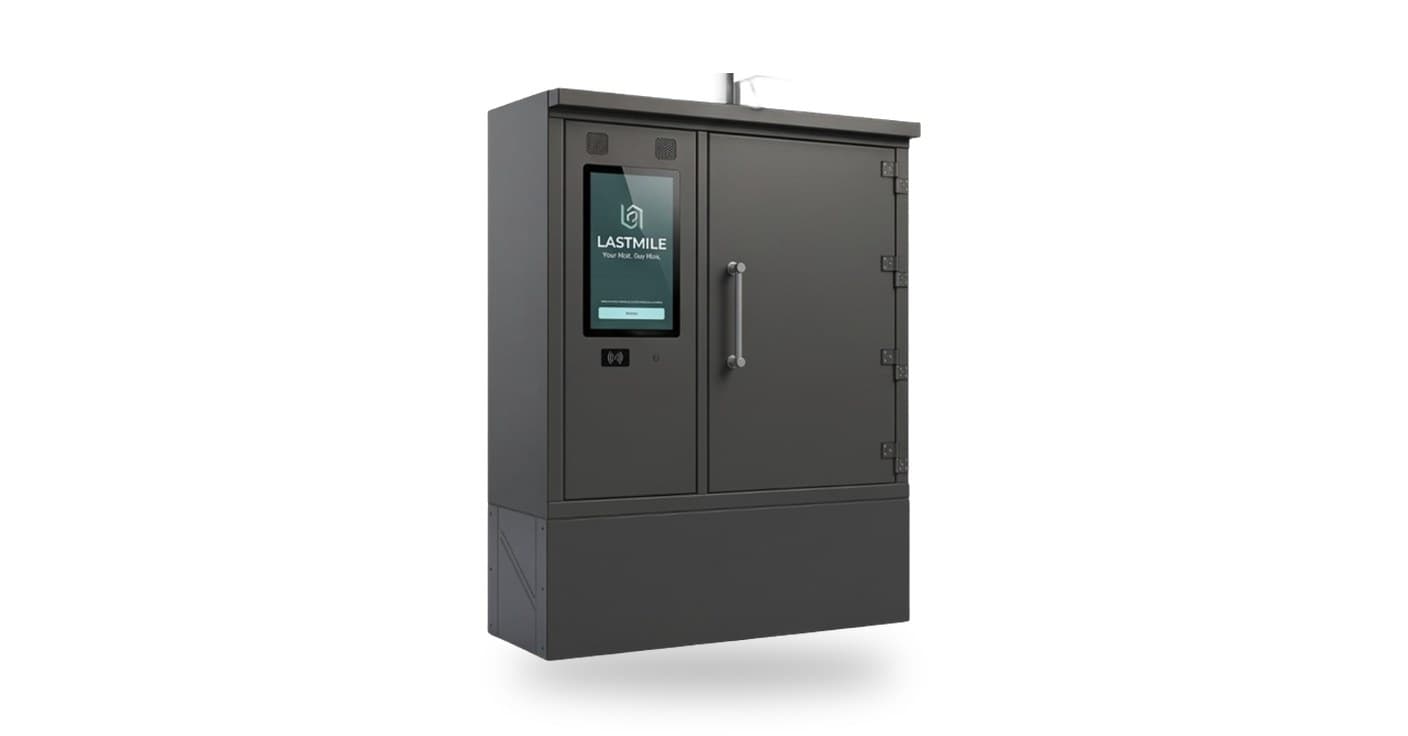
The second is mounting. A wall cabinet saves floor space and suits a control room or office; a floor unit suits a corridor or entrance, and allows more positions and a larger screen.
The third is what else lives in the same place. In many organizations the same station also handles sensitive equipment or phones, in which case it is worth planning both together rather than separately.
Integrating with what you already run
Most of a key system's value materialises when it doesn't stand alone. Three common connection points: access control, so the same employee card works here too; HR, so a departing employee loses permissions automatically; and the fleet or property management system.
The HR link is the one that pays back fastest in large organizations. It closes the gap between the day someone leaves and the day someone remembers to revoke their access.
Frequently asked questions
How does the system know which key was returned?
Each key is attached to a dedicated fob with an RFID tag, and the cabinet reads that tag on every insertion. Returning a key to the wrong position, or an empty fob, is therefore detected immediately.
What if an employee doesn't return a key?
The system defines a maximum holding time per key or per user, and raises an alert when it is exceeded, to the employee, to a manager, or both.
Can we use our existing employee cards?
In most cases yes, subject to the card standard in use. It is also preferable: one fewer credential to manage, and permissions that update from a single source.
What about a power cut or network outage?
The station keeps working locally with the last synced permissions and uploads its log when the connection returns. A mechanical emergency override also exists, and it too is recorded.